
How to Search for a Warrant in Marion County
Start at Indiana MyCase. It is the public front door to eligible Odyssey court cases, not a live warrant-only database. If you have a cause number, run it first. With only a name, use the name controls and narrow the results to Marion County courts. Then read the latest docket entries, watching for a warrant order, failure to appear, return, surrender, recall, or quash. Each of those words means little without its date and the entries that follow. One gap deserves emphasis: Marion County publishes no sheriff-run active-warrant search, no public NCIC or IDACS access, and no statewide Indiana criminal-warrant list. Confirmation therefore has to come from the source. The Marion County Clerk keeps the court's warrant record, and each division can explain its own orders. The sheriff handles service and custody, but what sits in a restricted law-enforcement database is not the same thing as the public court file.
- Search MyCase by a known case, cause, citation, or cross-reference number.
- When searching by name, add the first name, middle name, date of birth, court, status, or filing dates to narrow matches.
- Identify the Marion Circuit Court, Marion Superior Court, Municipal Court, or Beech Grove City Court division shown on the docket.
- Use the Marion County Clerk records portal or the issuing court to request or confirm the official record.
- Use the official custody lookup only if an arrest may have occurred, and seek legal advice before arranging a surrender or court appearance.
Marion County MyCase Starting Point
MyCase greets you with Case, Name, and Attorney tabs. The case route is usually cleanest. Common names can drag back plenty of unrelated matters, so a cause number saves real work. Indiana Courts notes that hyphens and leading zeroes may be optional in a case-number search. Citation and cross-reference formats vary, so type a known identifier exactly as the court notice shows it. A name search needs a last name and returns no more than 1,000 results. The official MyCase overview warns that online data is not the official court record and may contain mistakes or omissions. That warning matters most when you are asking whether an old Marion County warrant entry still stands.
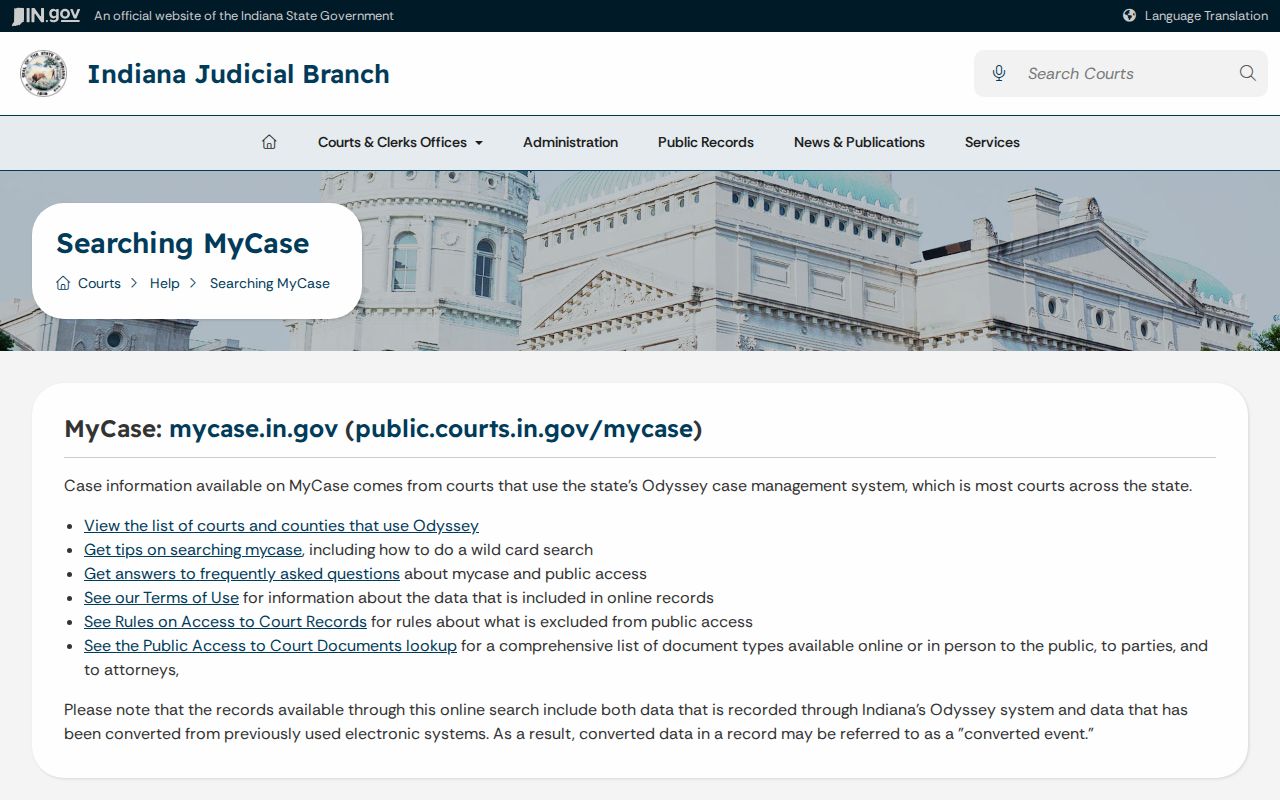
The state notice points to a two-part method. Use the index to find the case, then ask the Marion County Clerk or the court for its current official status.
Marion County Warrant Search Fields
MyCase offers no active-warrants-only filter. Its controls find cases, not verified current warrants. Pick the field that fits whatever record you already hold, then narrow with facts belonging to that case. A status of Open or Closed describes the case category, never whether a Marion County warrant is still in force. Advanced Search may surface extra controls, and captcha checks can appear because the system bars automated data mining.
| Field Label | Type | Required | Notes |
|---|---|---|---|
| Case number | Text | No | Best when known; hyphens and leading zeroes may be optional. |
| Last name | Text | Yes for name search | Starting field for a party-name search. |
| First, middle, DOB | Text/date | No | Helps separate common-name matches. |
| Sounds like or wildcard | Option | No | A trailing * performs starts-with matching. |
| Court and status | Selectors | No | Narrows cases, not live warrant status. |
| File date | Date range | No | Useful when the filing period is known. |
The Indiana Courts search tips supply these field rules and explain the result ceiling.
Narrow Marion County Name Matches
A name-only query runs too wide in a county this size. Add a first and middle name, then a date of birth if you already know it. When the matter is local, choose the Marion court. A filing-date range helps when the ticket, arrest, or hearing date is known. The sounds-like option catches spelling variants, and a trailing asterisk searches the start of a name. The state's search-by-name instructions lay out these controls on the official help page. They explain exactly why a broad name match is no test of current warrant status in Marion County.
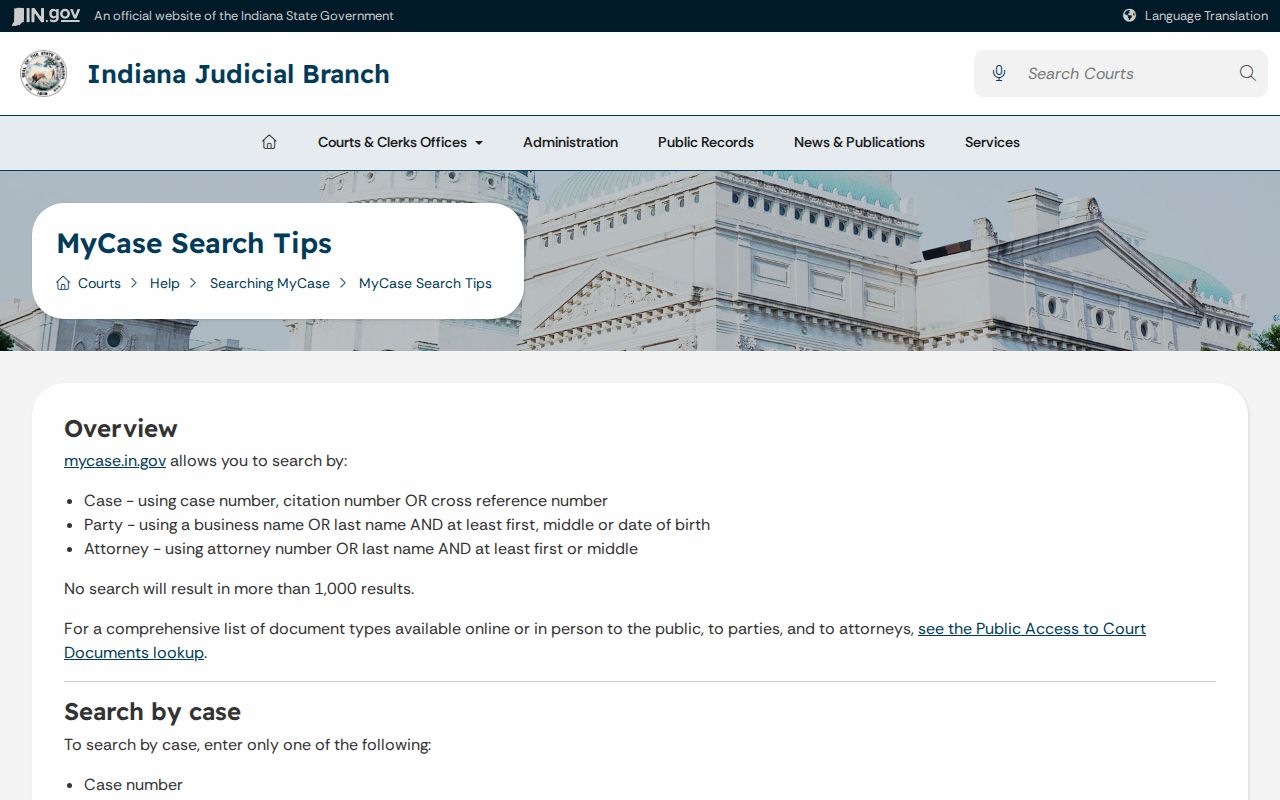
A likely name match is only a lead. Compare the issuing court, case type, filing date, and docket sequence before calling the Marion County court.
What a Marion County Warrant Search Returns
A public result can show plenty. Expect the case and division, case type, filing date, charge description, docket events, hearing details, case status, and links to documents posted online. A warrant-related docket may also carry an issue date, bond information, a return, or a later recall. The public interface does not set one standard Marion warrant number. Record the cause number, division, and entry date instead.
| Case identifier | A cause number such as the fictional format 49D00-CR-00000; never treat a sample as real. |
|---|---|
| Issuing court | The Marion court and division responsible for the order. |
| Legal basis | A charge, failure-to-appear event, or other stated basis, not a finding of guilt. |
| Warrant event | The public order or docket label and its date, if available. |
| Bond or bail | Only what the public record displays; confirm the current order. |
| Later events | Return, surrender, recall, quash, hearing, or disposition entries. |
Open is a case filter, not proof of an active warrant. Closed does not erase a past Marion County event or capture every current consequence.
Read Marion County Docket Terms
A docket is a dated list of case activity. Its terms show process, not one permanent label. Read forward from the warrant entry, because a later order can change everything. When a term is unclear, give the Marion County Clerk the cause number, division, and date rather than asking a broad question about a name.
- FTA
- Failure to appear, a nonappearance that may lead a court to issue a warrant.
- Return
- An entry about service or the outcome of issued process.
- Recall
- A court withdrawal of a warrant.
- Quash
- A court order setting aside a warrant or process.
- Surrender
- A voluntary appearance or intake step that still requires court action.
- Case status
- MyCase’s Open or Closed category, not a live warrant field.
Pair every Marion County docket term with its date and any later order. A copied result may already be stale by the time you read it.
Where Marion County Warrants Are Checked
Start any Marion County warrant check with the office that holds the record. The Marion County Clerk keeps case files for Circuit Court, Superior Court, criminal, juvenile, probate, magistrate, and Marion County Municipal Court matters. The Marion Courts division list shows which division handles criminal, traffic, ordinance, family, and Initial Hearing work. Beech Grove City Court runs on its own track for cases inside its published countywide jurisdiction. A court notice or a MyCase result will name the court to call. The sheriff serves process and runs the jails. The official inmate lookup takes a name, date of birth, or an identifier and can include people already released, but it answers a custody question rather than whether a warrant existed before booking. NCIC and IDACS stay restricted to law enforcement, and Indiana publishes no public statewide criminal-warrant portal; e-Tax covers only civil tax warrants. A federal question belongs to PACER or the Southern District federal clerk, since a Marion MyCase search cannot rule a federal warrant in or out.
When Marion County Search Fails
A blank Marion County result has several innocent causes. The query may have been too broad or too narrow, the record may predate online posting, the document may sit offline, or access may be limited. The matter may also live in a different court. Run the search again with the cause or citation number, adjusting number format only as the official tips permit, then target the correct court and filing period. Still nothing? Use the Clerk request portal. Give the court or division, the cause number if known, the type of order, and the date range. The portal notes that the Clerk supplies records generated in Marion County and may ask for photo identification for some juvenile or confidential records. Fees, criminal-form fields, and delivery terms are not published, so ask the Clerk instead of guessing.
No result is not clearance. Do not arrange a courthouse visit or surrender from an online omission alone. Confirm with the issuing court and consider counsel.
Access and Restricted Warrants
Court access limits come from the Indiana Rules on Access to Court Records, Rule 5. Sealed and expunged matters, juvenile records, protection-order material, pretrial supervision, probation, drug-court, medical, and investigative files can all receive special treatment. Marion County readers should also note that technical availability differs from legal access. A public record may still require a clerk request even when it is not confidential.
Access rule: A judge may temporarily exclude a probable-cause arrest-warrant record when release could raise flight risk, cause undue harm, or jeopardize an investigation. The rule states that this exclusion ends upon arrest.
The MyCase access table distinguishes online documents from records available through the clerk.
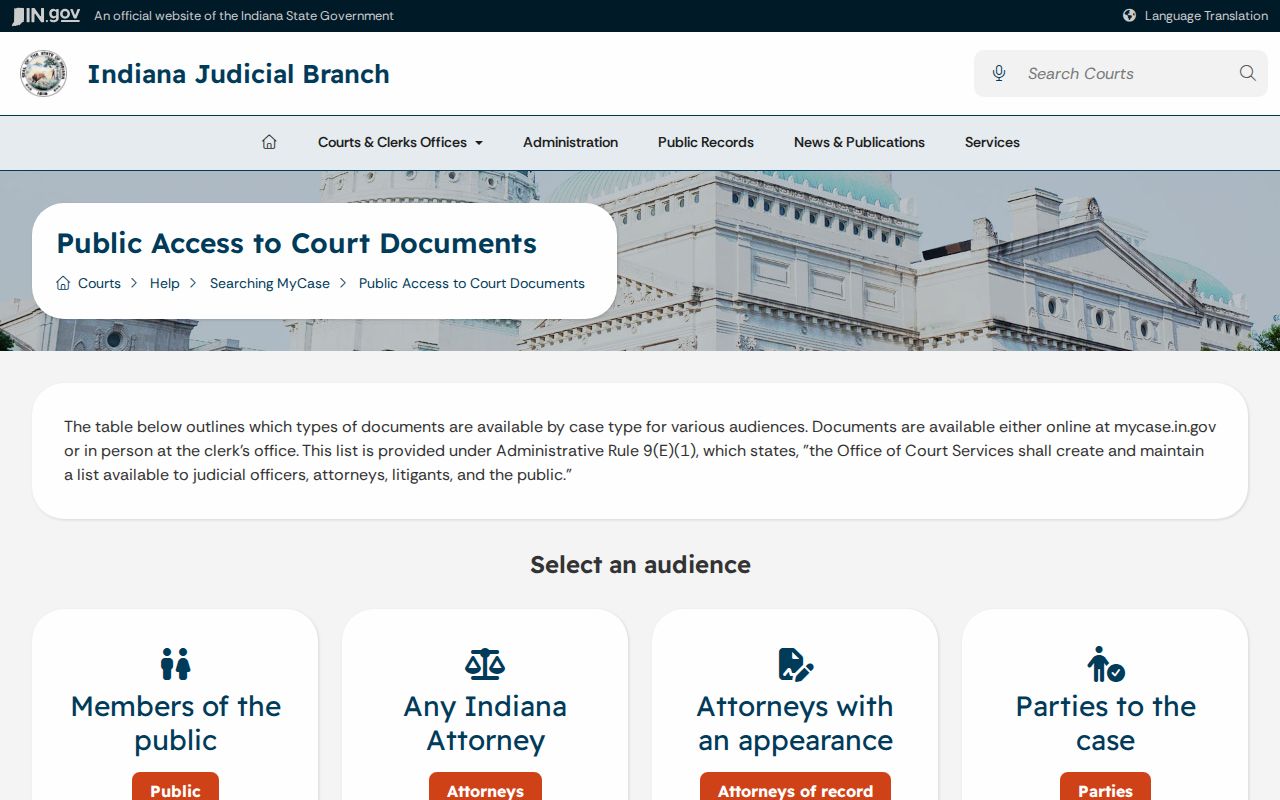
That gap is why a lawful public record may not open from a Marion County result. The official copy and current status still come from the court.
MyCase Tabs Are Case Tools
MyCase offers three public tabs, each doing a different job. Case search works from an identifier. Name search locates party records and can be narrowed. Attorney search finds matters through attorney-name controls. None turns MyCase into a Marion County active-warrant feed, and no tab supports a firm conclusion from one old docket line. The official MyCase form provides court, status, date, and advanced-search controls that help locate the right file, and its filtering options narrow results before a searcher commits to a cause number.
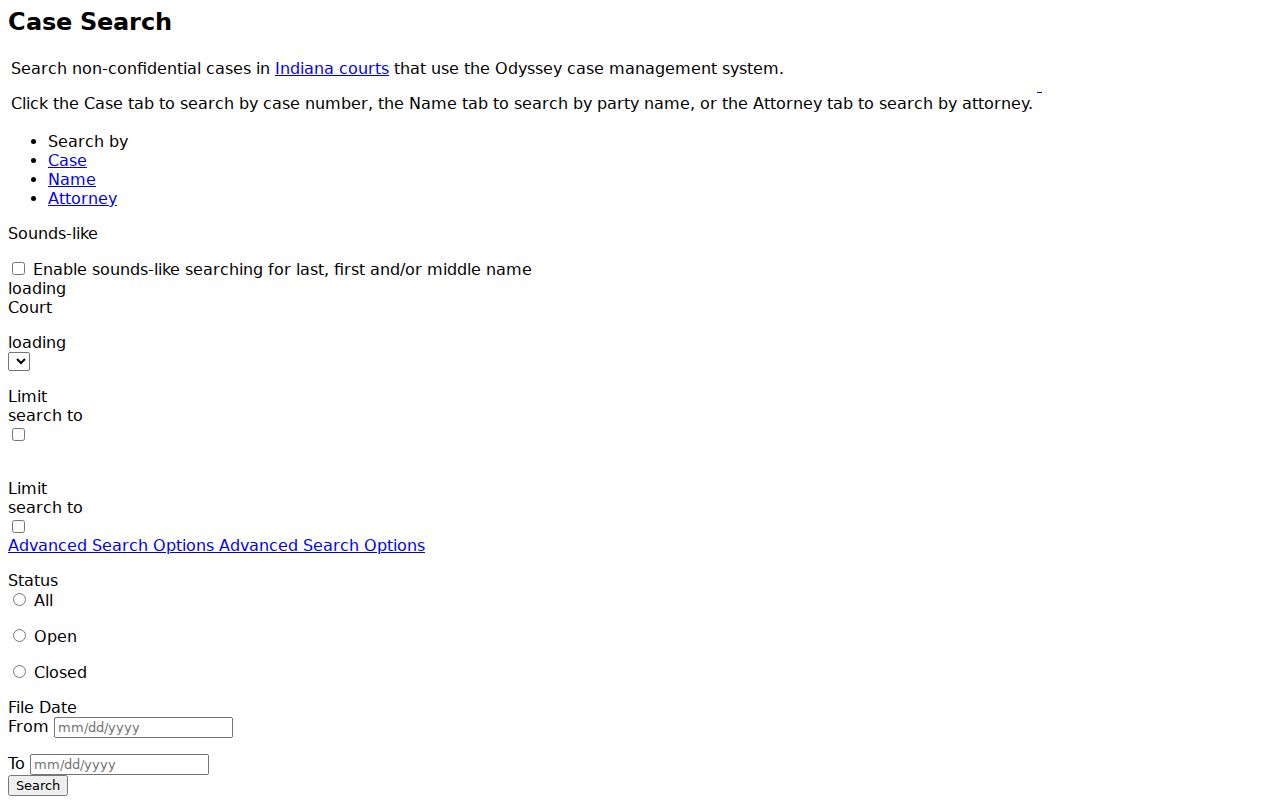
Once the right Marion County file appears, record the cause number and division. Those details make Clerk or court confirmation faster and cut the risk of a same-name error.